game development roadmap for beginners
Learn the complete game development roadmap for beginners in 2025. Step-by-step guide to start making games using Unity, tools, coding, and publishing.

🎮 Game Development Roadmap for Beginners (2025 Complete Guide)
Game development is one of the most exciting and creative careers in the tech world. Whether you want to build mobile games, PC games, or even your own indie studio, starting can feel overwhelming.
The good news? You don’t need to know everything at once.
This guide will walk you through a step-by-step game development roadmap for beginners, helping you go from zero knowledge to building your first playable game.
🚀 Step 1: Understand What Game Development Really Is
Before jumping into tools and coding, you need to understand what game development includes.
Game development is a combination of:
- Programming (logic and mechanics)
- Game design (rules and gameplay)
- Art (characters, UI, environments)
- Sound (music and effects)
- Testing and optimization
👉 You don’t need to master everything—but you should understand how they work together.
🧠 Step 2: Choose Your Game Engine
A game engine is the software used to create games.
Popular choices for beginners:
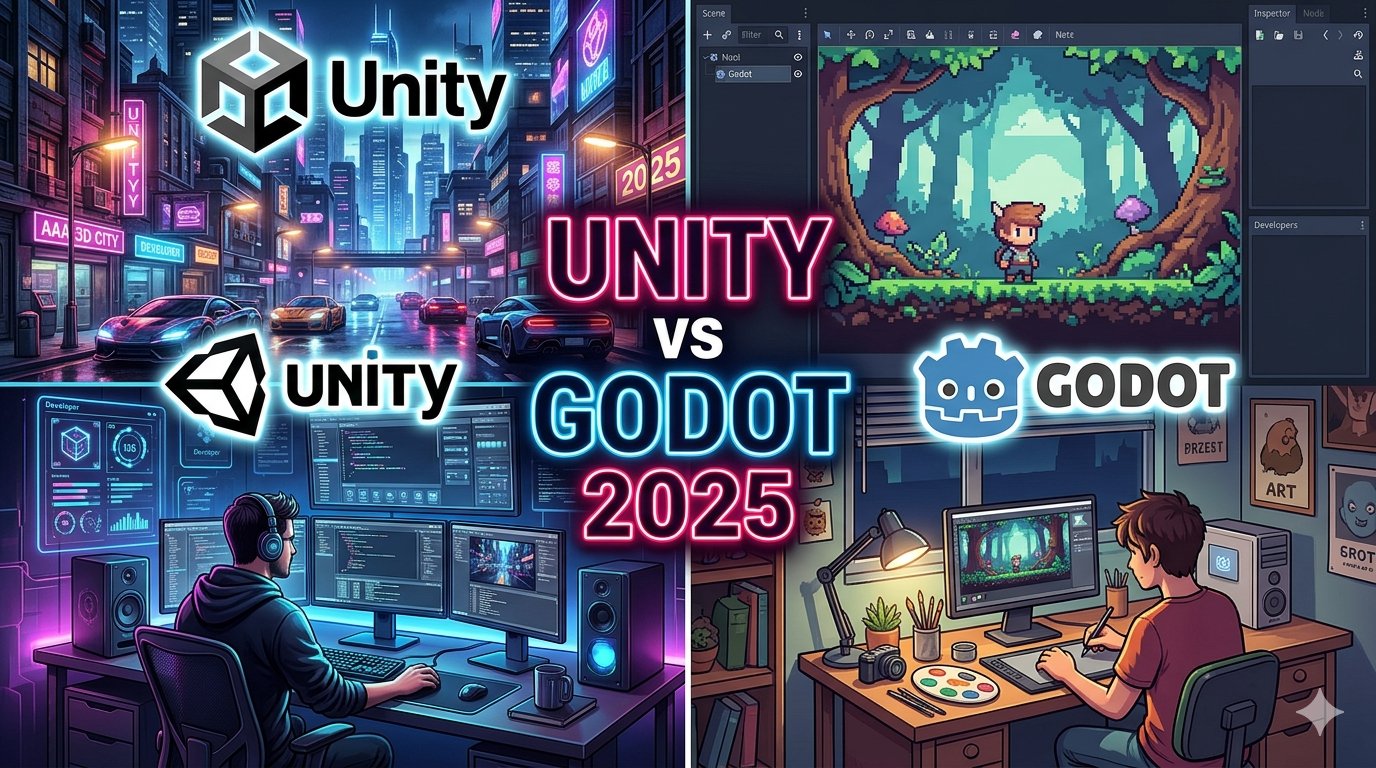
- Unity – Best for beginners and professionals (C#)
- Godot – Lightweight and beginner-friendly
- Unreal Engine – High-end graphics (more advanced)
👉 If you are just starting, Unity or Godot is the best choice.
💻 Step 3: Learn Basic Programming
Programming is the backbone of game development.
What to learn:
- Variables and data types
- Conditions (if/else)
- Loops
- Functions
- Object-oriented programming
Languages:
- Unity → C#
- Godot → GDScript
👉 You don’t need to be an expert—just learn the basics and practice.
🎨 Step 4: Learn Basic Game Design
Game design is about how your game feels to play.
Learn concepts like:
- Game mechanics
- Level design
- Player experience
- Difficulty balance
- Reward systems
👉 A simple game with good design is better than a complex bad game.
🧩 Step 5: Start with Small Projects
Don’t try to build GTA or PUBG as your first game.
Start with:
- Tic Tac Toe
- 2D platformer
- Endless runner
- Simple puzzle game
👉 Small projects help you learn faster and stay motivated.
🎮 Step 6: Learn Unity Basics (or Your Engine)
If you choose Unity, learn:
- Scene and GameObjects
- Components and scripts
- Physics system
- UI system
- Prefabs
Practice by creating mini prototypes.
📦 Step 7: Use Free Assets
You don’t need to create everything from scratch.
Use:
- Free Unity Asset Store assets
- Open-source sprites
- Free sound effects
👉 Focus on learning development, not perfection.
🧪 Step 8: Test and Improve Your Game
Testing is very important.
Check:
- Bugs and errors
- Gameplay balance
- Performance
- User experience
Ask friends to play your game and give feedback.
📱 Step 9: Publish Your First Game
Once your game is ready:
- Export for Android, PC, or WebGL
- Upload to platforms like:
- Google Play Store
- itch.io
- Steam (advanced)
👉 Publishing your first game is a huge milestone.
💰 Step 10: Learn Monetization
If you want to earn money:
- AdMob ads (banner, interstitial, rewarded)
- In-app purchases
- Paid games
👉 Start simple—don’t overcomplicate monetization early.
⚡ Bonus: Tools Every Beginner Should Use
- Unity Hub
- Visual Studio / VS Code
- Photoshop or Canva (for UI)
- Audacity (for sound)
🔥 Common Mistakes Beginners Should Avoid
❌ Starting with a big project
❌ Skipping fundamentals
❌ Giving up too early
❌ Ignoring game design
❌ Not finishing projects
👉 Finish small games first—this builds confidence.
🧠 How Long Does It Take to Learn Game Development?
- 1–2 months → Basics
- 3–6 months → Build small games
- 6–12 months → Publish your first polished game
👉 Consistency matters more than speed.
🏁 Final Roadmap Summary
- Learn basics of game development
- Choose engine (Unity/Godot)
- Learn programming basics
- Build small games
- Improve design and skills
- Publish your first game
🎯 Conclusion
Game development may look difficult at first, but with the right roadmap, anyone can start building games.
The key is simple:
👉 Start small
👉 Stay consistent
👉 Keep learning
In 2025, there has never been a better time to become a game developer.