Unity vs Godot 2025
Compare Unity vs Godot in 2025. Learn performance, pricing, ease of use, and features to choose the best game engine for your next game development project.

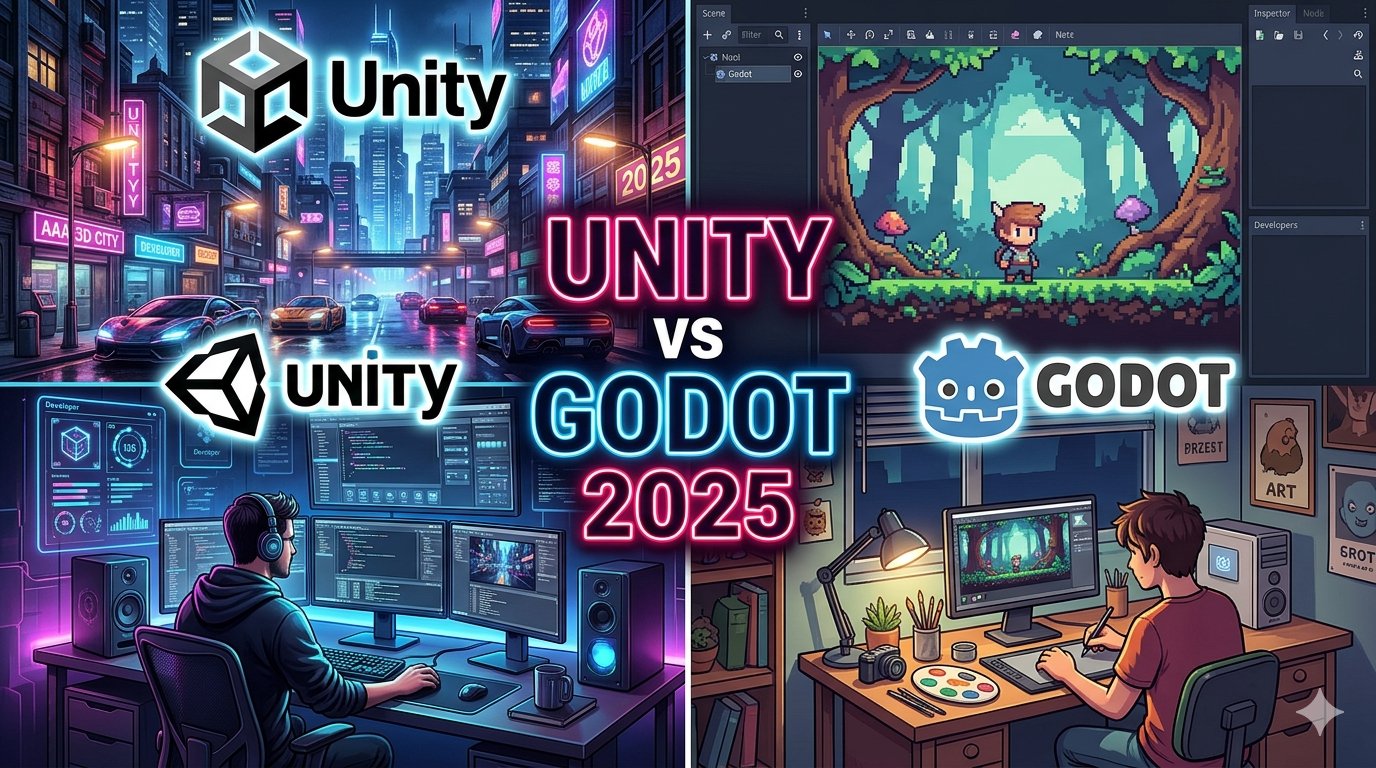
🎮 Unity vs Godot in 2025: Which Game Engine Should You Choose for Your Next Project?
The game development industry in 2025 is growing faster than ever before. With powerful tools available for developers, choosing the right game engine has become a critical decision. Two of the most popular choices today are Unity and Godot.
Both engines are powerful, but they serve different types of developers and projects. In this article, we will compare Unity vs Godot in 2025 in detail so you can decide which one is best for your next game project.
🚀 Overview of Unity and Godot
🎯 Unity Engine
Unity is one of the most widely used game engines in the world. It is known for its powerful features, large community, and strong support for both 2D and 3D games. Unity is used by indie developers as well as large studios for commercial game development.
🌱 Godot Engine
Godot is an open-source game engine that has gained massive popularity in recent years. It is lightweight, free, and very beginner-friendly. Godot is especially popular among indie developers and hobbyists.
👉 In simple terms:
- Unity = Industry standard, powerful, professional tools
- Godot = Lightweight, free, beginner-friendly engine
⚙️ 1. Ease of Use & Learning Curve
One of the most important factors for beginners is how easy the engine is to learn.
Unity:
Unity uses C# programming language, which is powerful but slightly harder for beginners. The interface is feature-rich, but sometimes overwhelming for new developers.
Godot:
Godot uses GDScript, which is very similar to Python and easy to learn. The engine design is simple and clean, making it easier for beginners to start building games quickly.
✔ Winner: Godot (for beginners)
🎨 2. Graphics & Performance
Unity:
Unity is highly optimized for both 2D and 3D games. With advanced rendering pipelines like URP and HDRP, Unity can produce AAA-quality graphics used in mobile and console games.
Godot:
Godot performs extremely well in 2D games and lightweight 3D projects. However, it still lags behind Unity when it comes to high-end 3D graphics and large-scale environments.
✔ Winner: Unity (for high-end 3D games)
💰 3. Pricing & Licensing
Unity:
Unity offers a free version, but advanced features and commercial usage may require paid plans depending on revenue and usage.
Godot:
Godot is completely free and open-source forever. There are no licensing fees, revenue limits, or hidden costs.
✔ Winner: Godot (completely free)
🧰 4. Features & Flexibility
Unity Features:
- Huge Asset Store
- Advanced physics system
- AR/VR support
- Multiplayer tools
- Cross-platform export
Godot Features:
- Lightweight engine
- Node-based architecture
- Built-in scripting system
- Fast iteration speed
- Open-source customization
Unity offers more built-in professional tools, while Godot offers simplicity and flexibility.
✔ Winner: Unity (more powerful features)
🌍 5. Community & Support
Unity:
Unity has a massive global community, tons of tutorials, and official documentation. It is easier to find solutions to problems.
Godot:
Godot’s community is smaller but growing very fast. It is very active in indie game development spaces.
✔ Winner: Unity (larger community)
📱 6. Platform Support
Unity:
Unity supports almost every platform:
- Android & iOS
- PC & Mac
- Consoles (PlayStation, Xbox, Switch)
- AR/VR devices
Godot:
Godot supports most major platforms but has slightly limited console and advanced deployment support compared to Unity.
✔ Winner: Unity
🧪 7. Performance & Optimization
Unity:
Unity is optimized for large and complex games, but sometimes requires more system resources.
Godot:
Godot is extremely lightweight and runs smoothly even on low-end PCs.
✔ Winner: Godot (lightweight performance)
🧑💻 8. Best Use Cases
🎮 Use Unity if you want:
- AAA-quality 3D games
- Mobile games with monetization
- VR/AR projects
- Large commercial projects
🎮 Use Godot if you want:
- Indie games
- 2D platformers
- Beginner-friendly learning
- Fast prototyping
🔮 9. Future of Unity & Godot in 2025
In 2025, both engines are improving rapidly:
- Unity continues to dominate professional and mobile gaming industries.
- Godot is becoming a strong open-source alternative for indie developers.
The future is not about which engine is “best,” but which one fits your project goals.
🏁 Final Verdict: Unity vs Godot 2025
- 🏆 Unity = Best for professional, large-scale, and 3D games
- 🏆 Godot = Best for beginners, indie developers, and 2D games
👉 If you are serious about game development career → Choose Unity
👉 If you want to learn fast and build indie games → Choose Godot
🎯 Conclusion
Both Unity and Godot are excellent game engines in 2025. Your choice depends on your experience level, project type, and long-term goals.
The best approach is simple:
👉 Try both engines and choose the one that feels right for you.