how to start game development with no experience
Learn how to start game development with no experience. Step-by-step beginner guide covering tools, coding, Unity, and how to build your first game.

🎮 How to Start Game Development with No Experience (2025 Beginner Guide)
Starting game development with zero experience might feel overwhelming—but the truth is, thousands of developers begin exactly where you are today.
You don’t need a computer science degree, expensive software, or years of coding knowledge to get started. What you really need is the right roadmap, the right tools, and consistent practice.
In this guide, you’ll learn how to start game development from scratch, even if you have no prior experience.
🚀 Step 1: Understand What Game Development Involves
Before you jump into coding or designing, it’s important to understand what game development actually includes.
Game development is a mix of:
- Programming (game logic and mechanics)
- Game design (rules, levels, player experience)
- Art and animation (characters, UI, environments)
- Sound (music and effects)
- Testing and optimization
👉 You don’t need to master everything at once. Start with one skill and grow gradually.
🧠 Step 2: Choose the Right Game Engine
A game engine is the main tool used to create games.
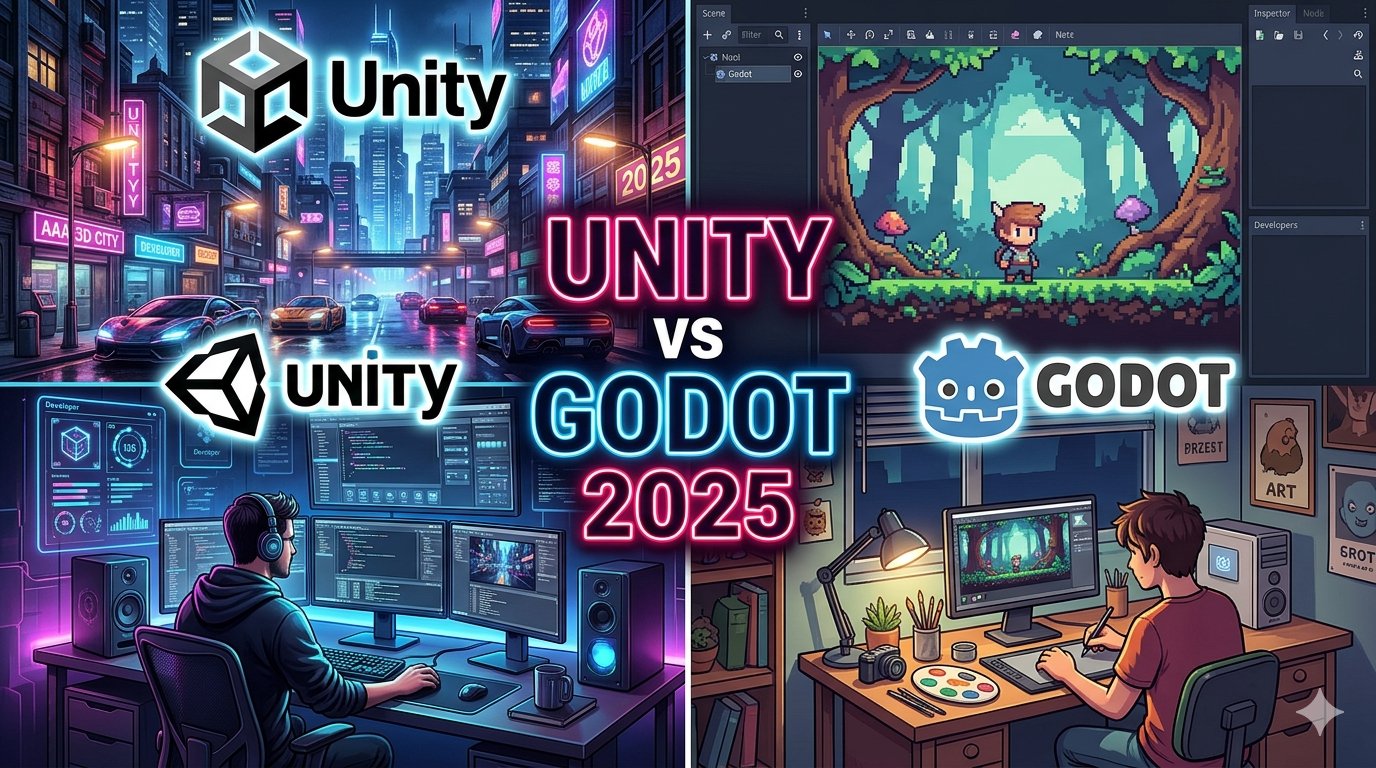
Best beginner-friendly engines:
- Unity – Great for mobile, PC, and beginners
- Godot – Lightweight and very easy to learn
- Unreal Engine – Powerful but more advanced
👉 If you’re just starting out, go with Unity or Godot.
💻 Step 3: Learn Basic Programming (Don’t Skip This)
Programming is essential for creating game mechanics.
What you should learn:
- Variables
- If/else conditions
- Loops
- Functions
- Basic object-oriented programming
Languages:
- Unity → C#
- Godot → GDScript
👉 You don’t need to become an expert. Just learn enough to build simple gameplay.
🎯 Step 4: Start with Very Small Games
One of the biggest mistakes beginners make is trying to build a huge game immediately.
Instead, start with simple projects like:
- Tic Tac Toe
- Flappy Bird clone
- Endless runner
- Basic 2D platformer
👉 Small projects help you learn faster and stay motivated.
🎮 Step 5: Follow Tutorials (But Don’t Depend on Them)
Tutorials are great for learning, but don’t just copy everything.
Do this instead:
- Follow a tutorial
- Understand how it works
- Modify it yourself
👉 This helps you actually learn, not just copy.
🎨 Step 6: Use Free Assets (Save Time)
You don’t need to create your own graphics at the beginning.
Use:
- Free asset stores
- Open-source sprites
- Free sound effects
👉 Focus on learning development first—not art perfection.
🧪 Step 7: Practice, Test, and Improve
Game development is all about iteration.
- Test your game regularly
- Fix bugs
- Improve gameplay
- Ask friends for feedback
👉 Your first games won’t be perfect—and that’s okay.
📱 Step 8: Publish Your First Game
Publishing your first game is a big milestone.
You can publish on:
- Google Play Store
- itch.io
- PC platforms
👉 Even a simple game is a huge achievement.
💰 Step 9: Learn Basic Monetization
Once you understand development, you can start earning.
Common methods:
- Ads (AdMob)
- In-app purchases
- Paid games
👉 Start simple—don’t focus on money too early.
⚡ Step 10: Stay Consistent (Most Important Step)
Consistency beats talent.
- Practice daily (even 1–2 hours)
- Keep building small games
- Learn from mistakes
- Don’t give up
👉 Most beginners quit early—don’t be one of them.
🔥 Common Mistakes to Avoid
❌ Starting with a big dream project
❌ Skipping programming basics
❌ Watching tutorials without practice
❌ Expecting fast results
❌ Giving up after failure
👉 Progress takes time—be patient.
🧠 How Long Does It Take to Learn?
- 1 month → Understand basics
- 3 months → Build simple games
- 6 months → Publish your first game
- 1 year → Become confident
👉 The key is consistent learning.
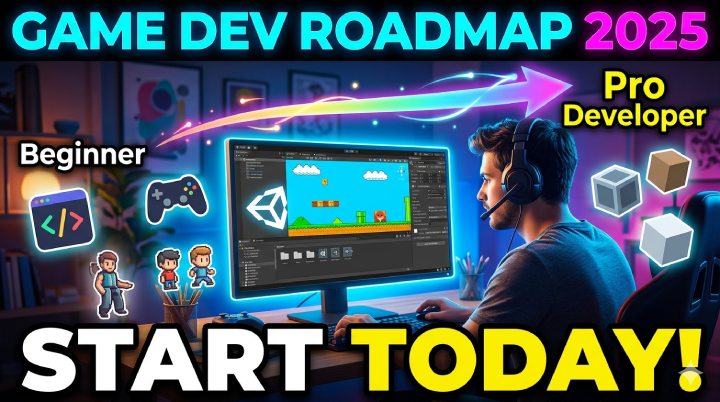
🏁 Final Beginner Path
Here’s your simple roadmap:
- Choose engine (Unity/Godot)
- Learn basic coding
- Build small games
- Use free assets
- Publish your first game
- Improve and scale
🎯 Conclusion
Starting game development with no experience is completely possible in 2025.
You don’t need to be perfect—you just need to start.
👉 Build small
👉 Learn daily
👉 Stay consistent
Your first game might be simple, but it’s the first step toward becoming a game developer.